The Update Program toggle controls whether the changes you make during a workout should apply only to the current session or to your program moving forward.
This helps you decide whether you are making a temporary adjustment or editing the program itself.
Note: The Update Workout Plan option will only appear after you complete your workout and only if you made changes to the workout structure during the session. If no structural changes were made, the option will not appear.
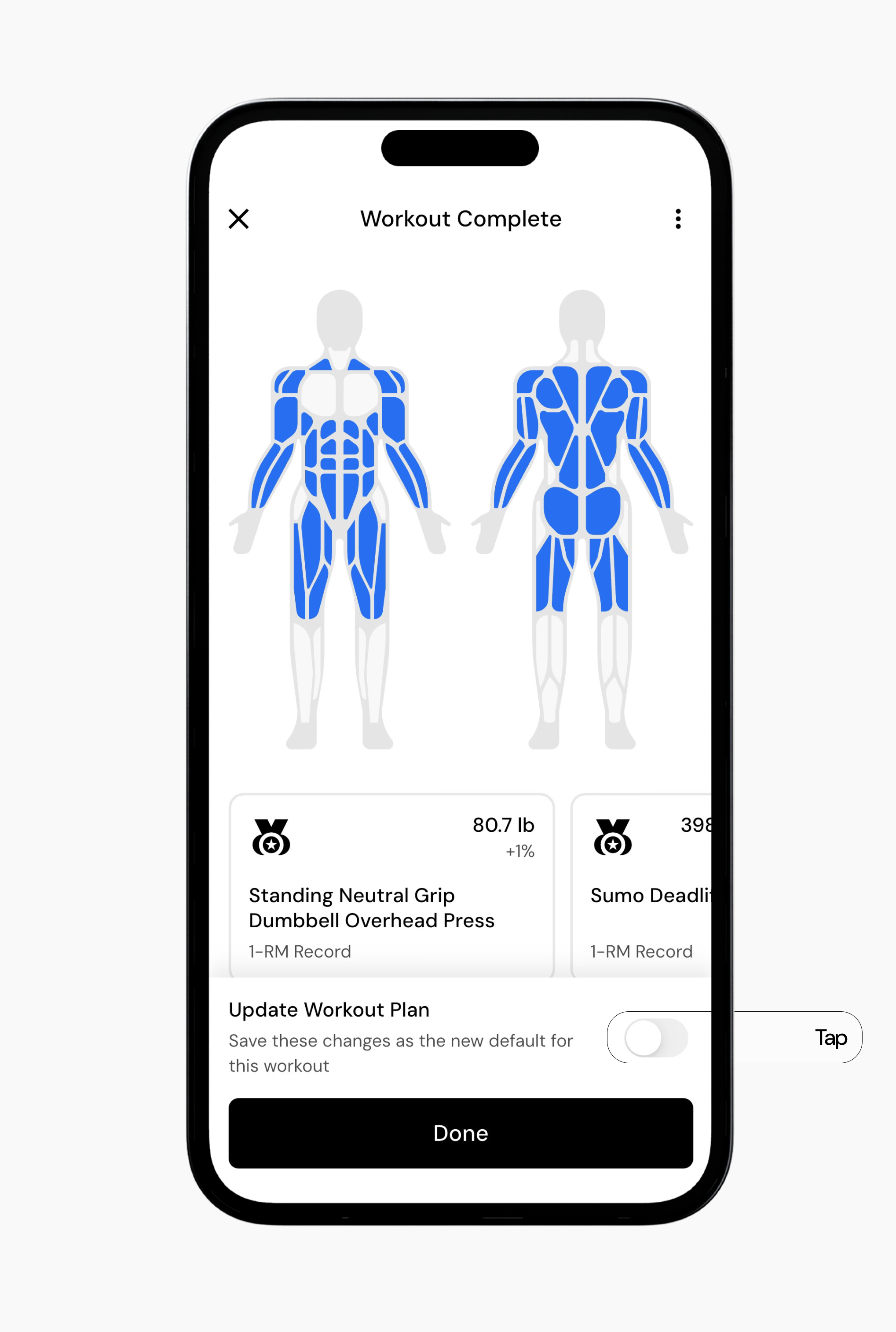
When the toggle is off, your edits apply only to the current workout session.
This is useful if something needs to change temporarily, such as:
Equipment is unavailable
You want to adjust difficulty for one session
You want to experiment with a new exercise or swap but do not want to change the program permanently
After the workout ends, the program will still follow its original structure if you do not toggle on to update the program.
When the toggle is on, changes you make will update your program going forward. However, some updates take effect immediately, while others may not appear until a new program cycle begins.
For instance, let’s say you swap an exercise in during your workout. Because the exercise is being replaced with a new one, all future instances of that exercise will change. From that point forward, the new exercise will appear in your program (again, if you want to update the program).
However, some changes behave differently. For example, if you update something like RIR to go to failure during a cycle, you may only want that change to apply to that cycle of training. In that case, the update will apply to the current cycle but may not carry forward to the next cycle until the program repeats. Because of this, some changes that apply to a specific cycle may not automatically appear in the next cycle until the program completes and repeats, while other changes update immediately.
Note: If you want targets such as RIR or rep ranges to change for the entire program, you will need to edit those settings in the main program editor.
Even if you do not update the program, the app still uses your logged sets to improve recommendations over time with Smart Progression. In short, you do not need to update your program in order for Smart Progression to work.
Read next:
Now that you understand how the Update Program toggle works, you might enjoy one of these articles next:
How Can I Customize Periodization (RIR, reps, and sets) for Exercises in My Program?
