Smart Generation builds a complete training program based on your goals, schedule, available equipment, and preferences. The app uses this information to create a structured program you can use as is or customize and build from.
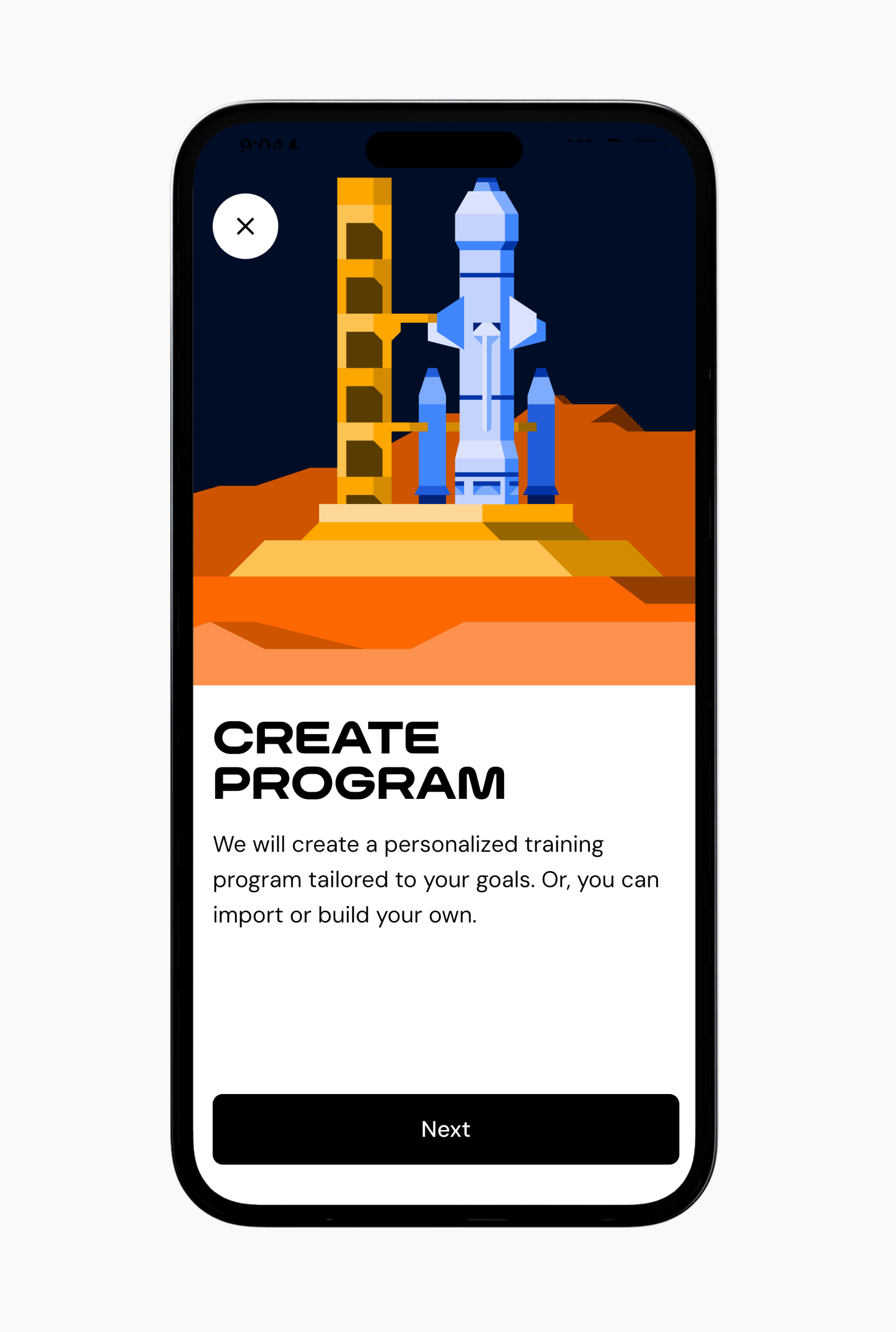
To create a program using Smart Generation:
Go to the Workout tab.
Tap the + button in the top-right corner, or tap the + button in the center of the bottom navigation.
Tap New Program, then tap Next.
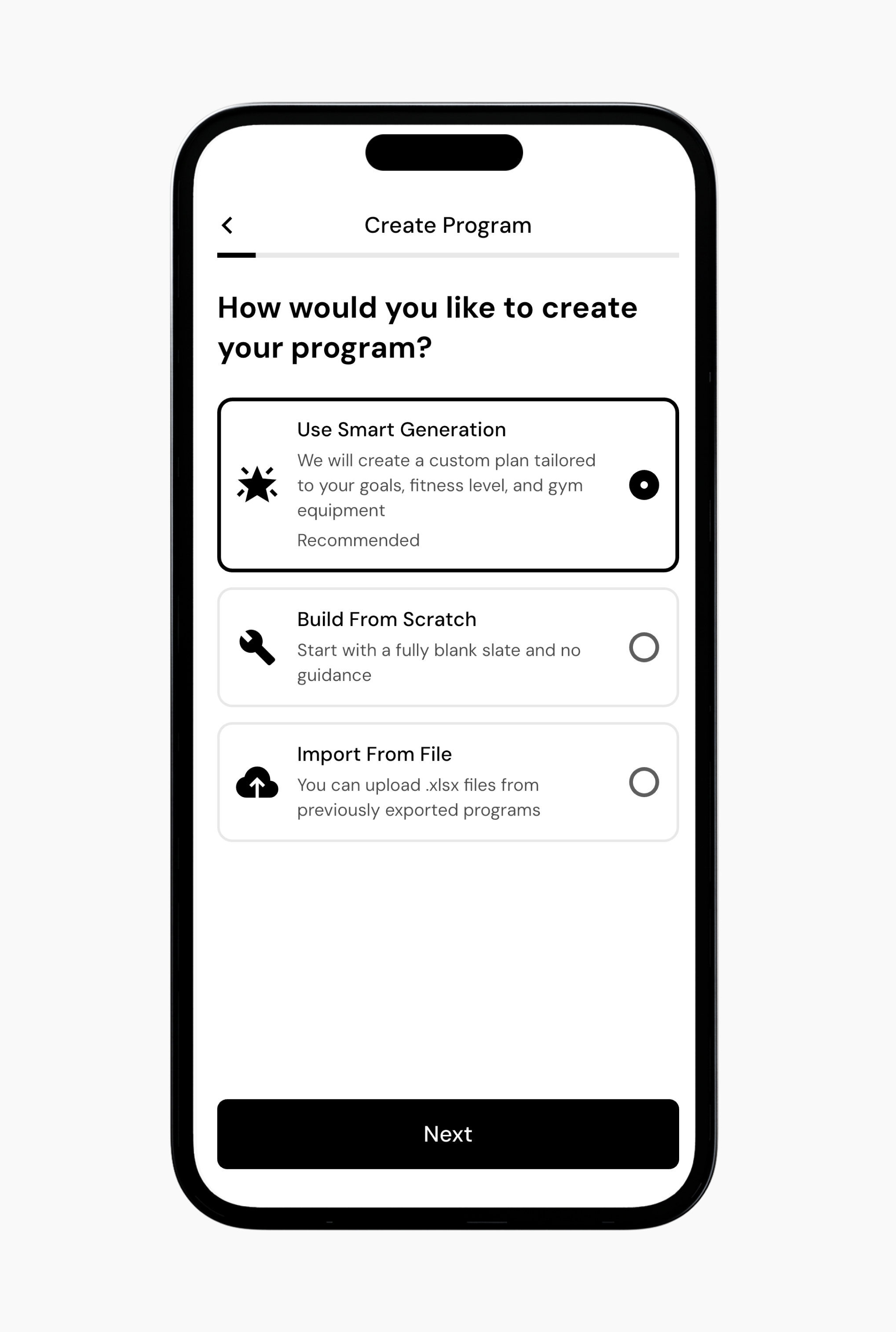
Select Use Smart Generation.
Select the primary goal of your training.
Optional: Assign extra focus to specific muscle groups. You have five total focus points to distribute.
Optional: Deprioritize muscle groups you do not want to emphasize during this program. You can deprioritize up to five muscle groups.
Select how many days per week you can train using the + or − buttons.
Select how much time you want to spend per training session, in minutes.
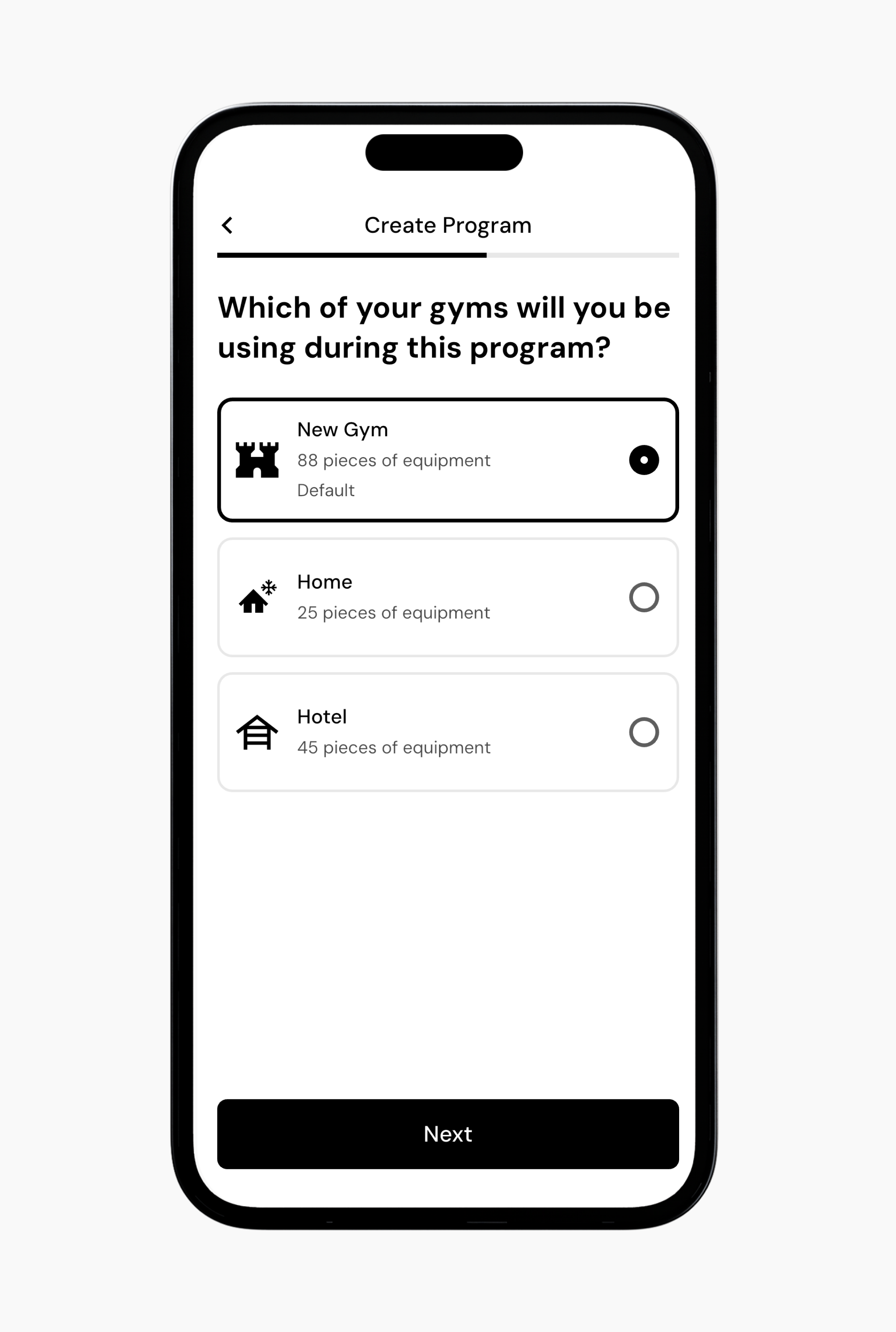
Select the gym profile you want to use for this program. Later, you can select different gyms for each day of your program, or create additional programs for different gym profiles as needed.
Choose your preferred training structure, such as a full body or upper and lower split.
Choose whether to include deload phases and confirm your current lifting experience.
Enter a program name, then select an icon and color.
The app will generate your program.
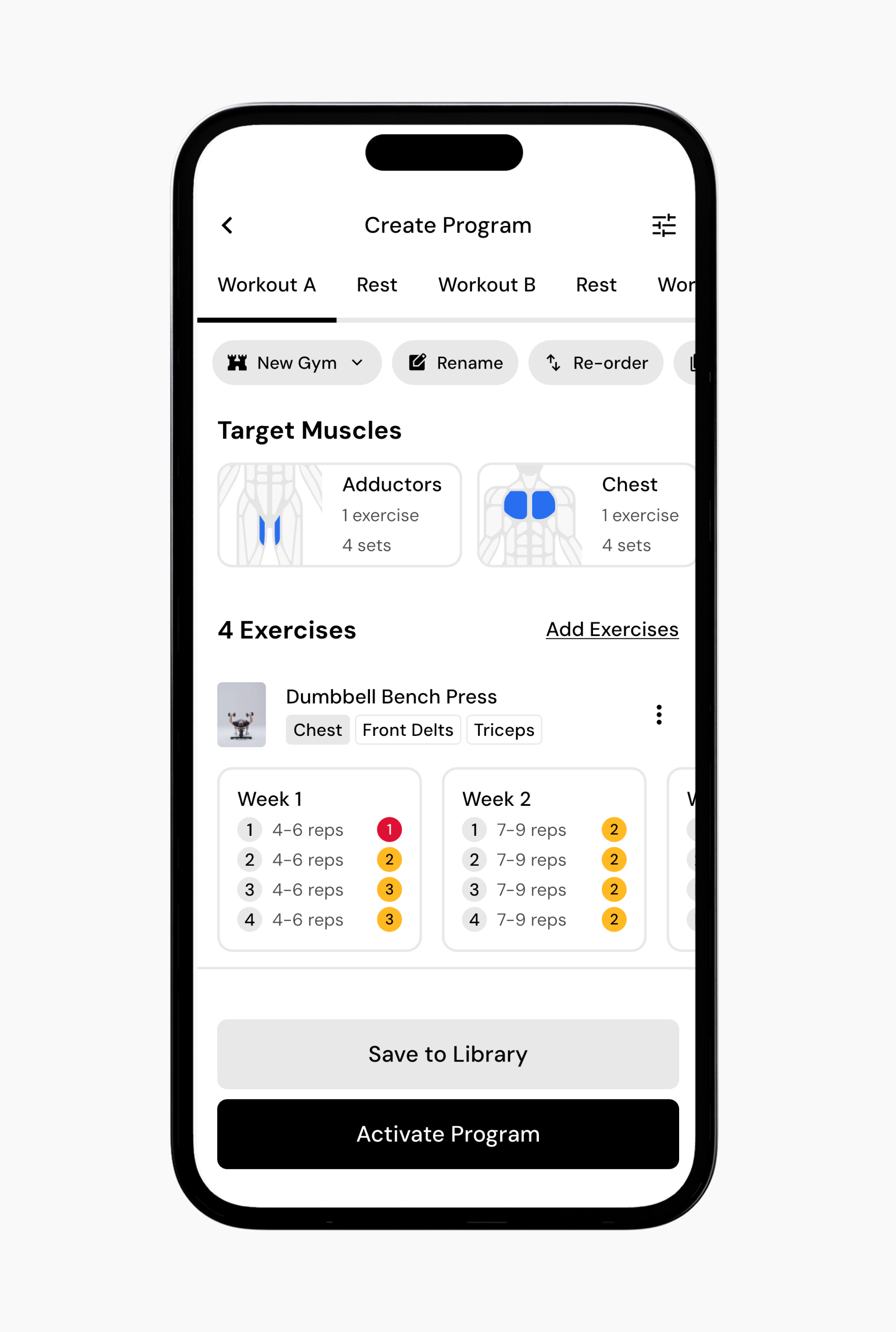
Review the program details. At the top of the screen, you will see your workout days and rest days. Each workout shows its target muscles and selected exercises.
Note: From this screen, you can add or swap exercises, create supersets, adjust your schedule, change the gym profile associated with each workout, and make other changes. You can also do this later at any time.
When finished, select Save to Library or Activate Program.
Now that you’ve learned how to create a new program via smart generation, you might enjoy one of these articles next:
Using smart progressions
Swap exercises
Set up your gym profiles
