
In simple terms, periodization is how you plan your training over time. It answers questions like: Do you want to include failure sets in a later week for your primary lift? Should reps and RIR change from week to week? Do you want to gradually increase volume or intensity over time, or intentionally reduce them during certain phases?
You can periodize RIR, rep ranges, and sets for any exercise in your program, whether the program was created using Smart Generation, built from scratch, or modified by adding or swapping exercises.
Once an exercise is part of your program, its targets can be adjusted across cycles.
You can open any exercise within a workout to adjust:
Number of sets
Rep minimums and maximums
RIR targets
These targets can be set for a single cycle, multiple different cycles, or the entire program.
To enable periodization so targets populate across all weeks:
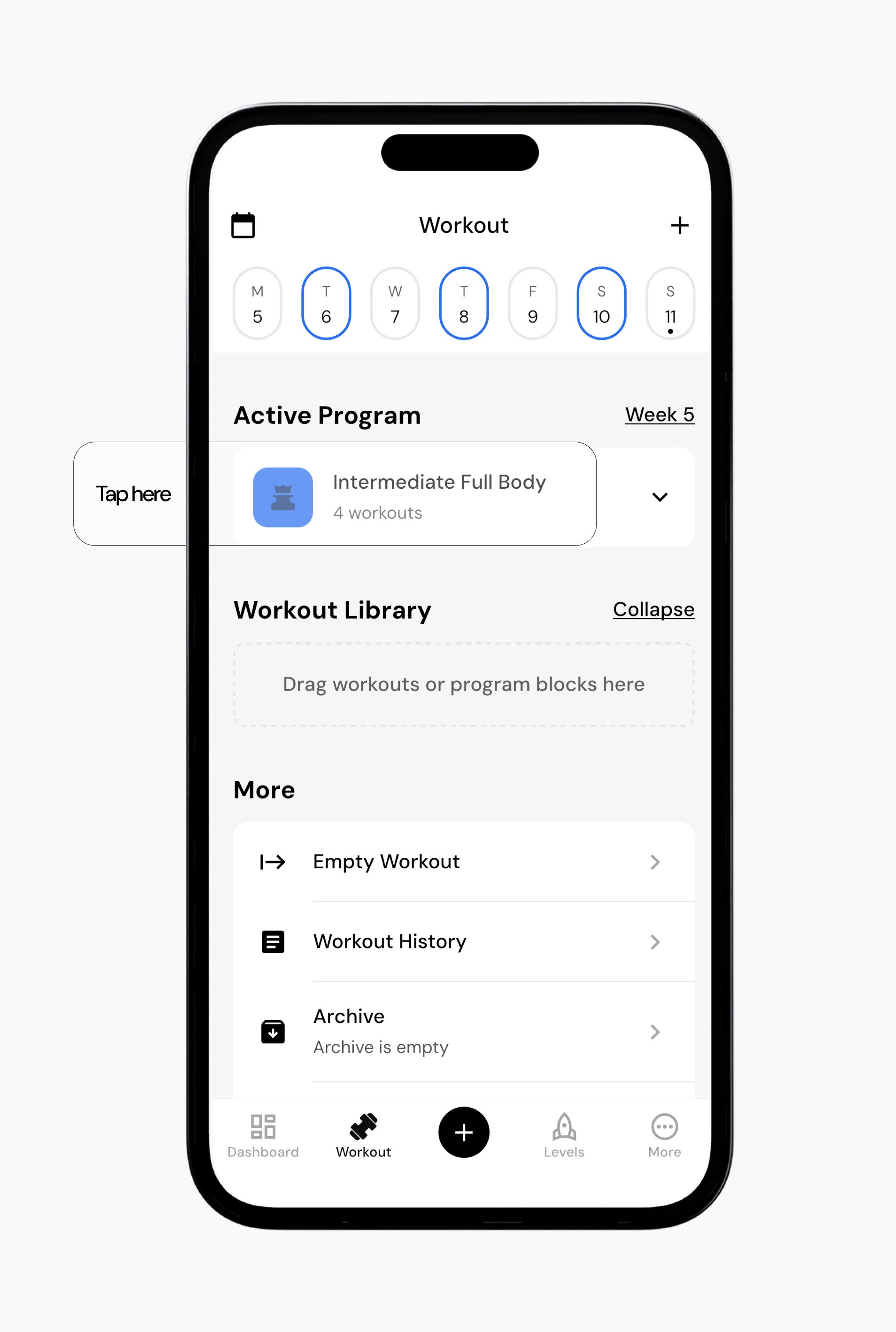
Go to the Workout tab.
Select the program you want to edit.
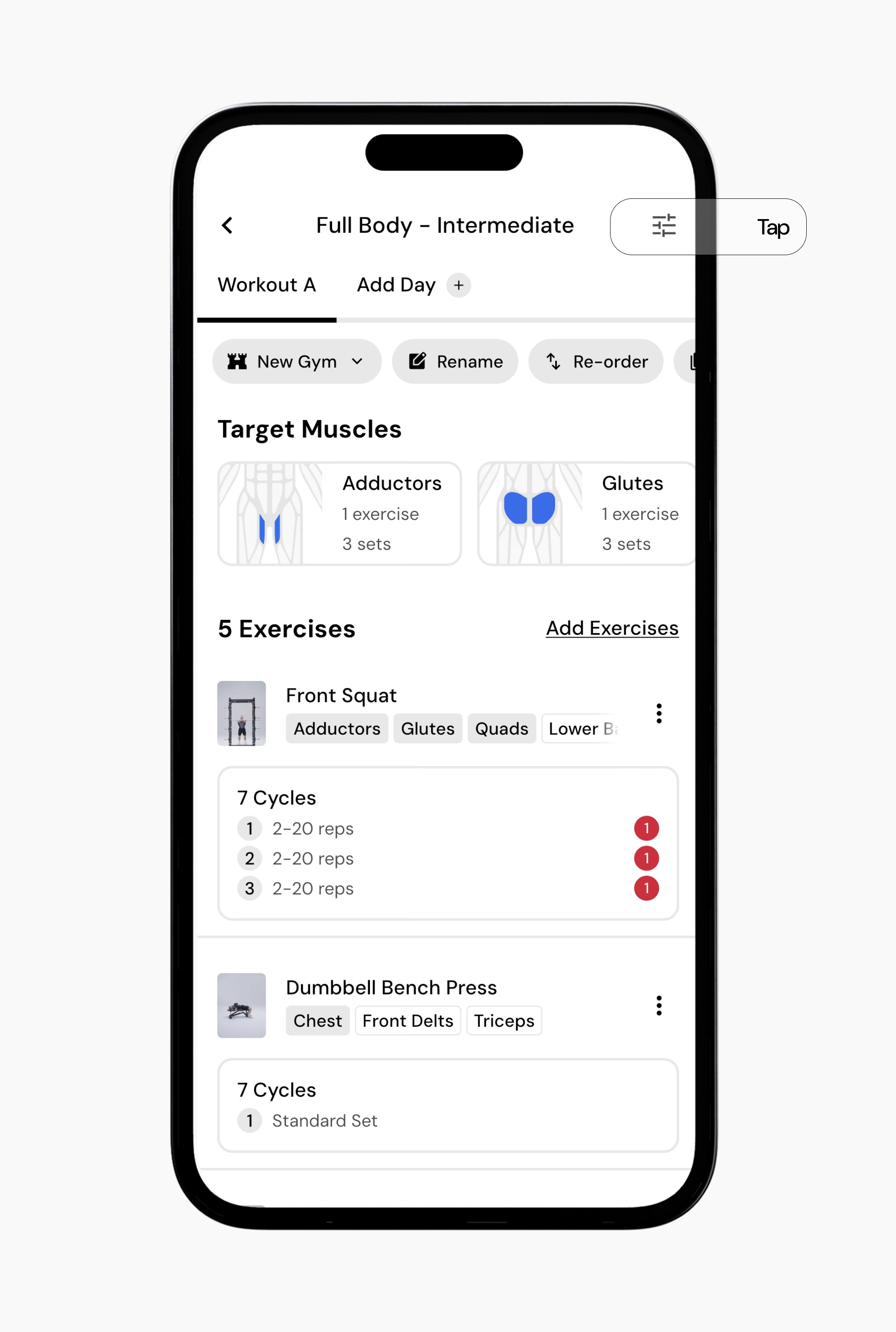
Tap the settings icon in the top-right corner.
Toggle Periodization on.
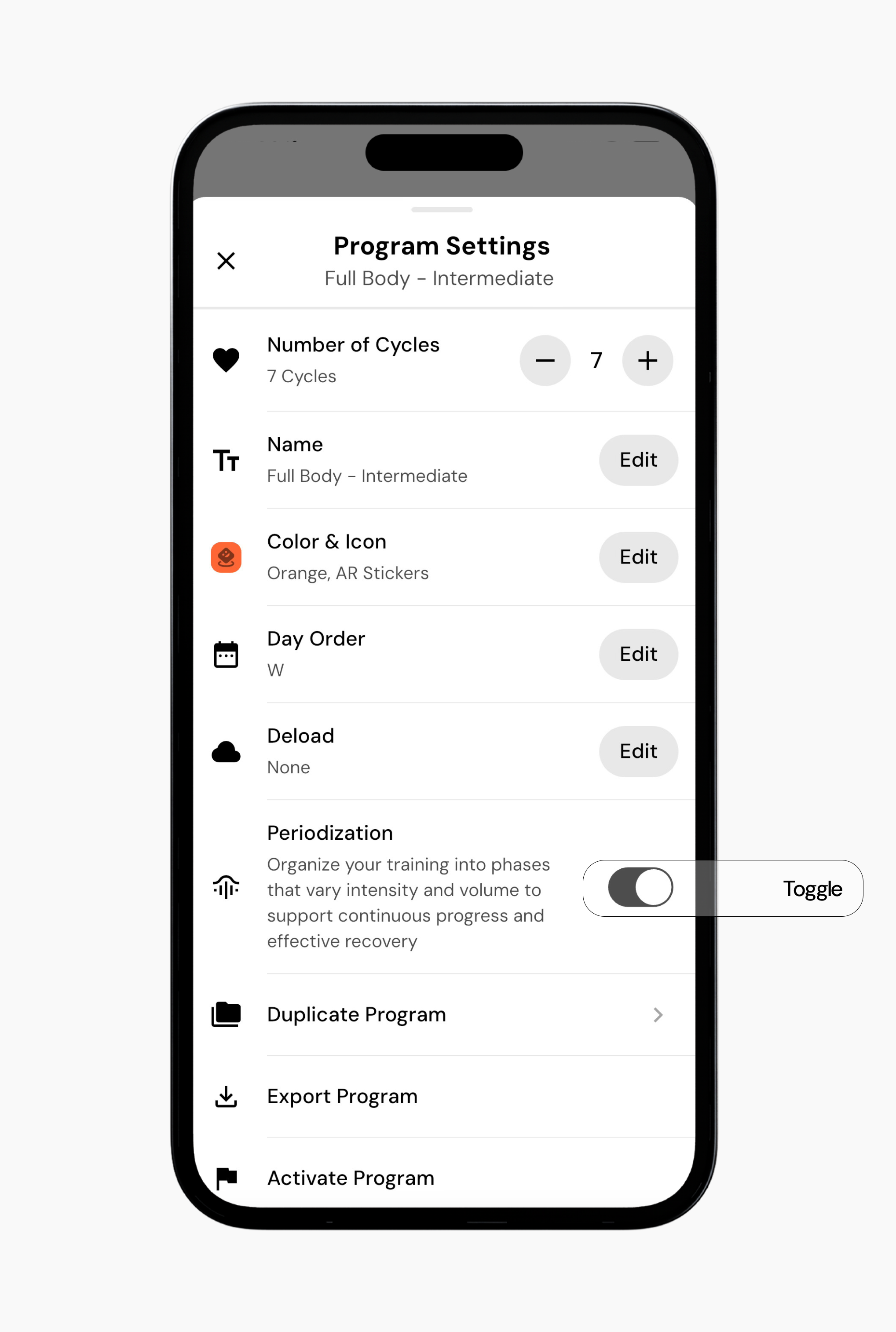
Once enabled, you will see cycles auto-fill for exercises.
Read next
Now that you’ve enabled periodization, you might enjoy one of these articles next:
How can I customize periodization (RIR, reps, and sets) for the exercises in my program?
Understanding and using smart progressions
Setting RIR in programs