
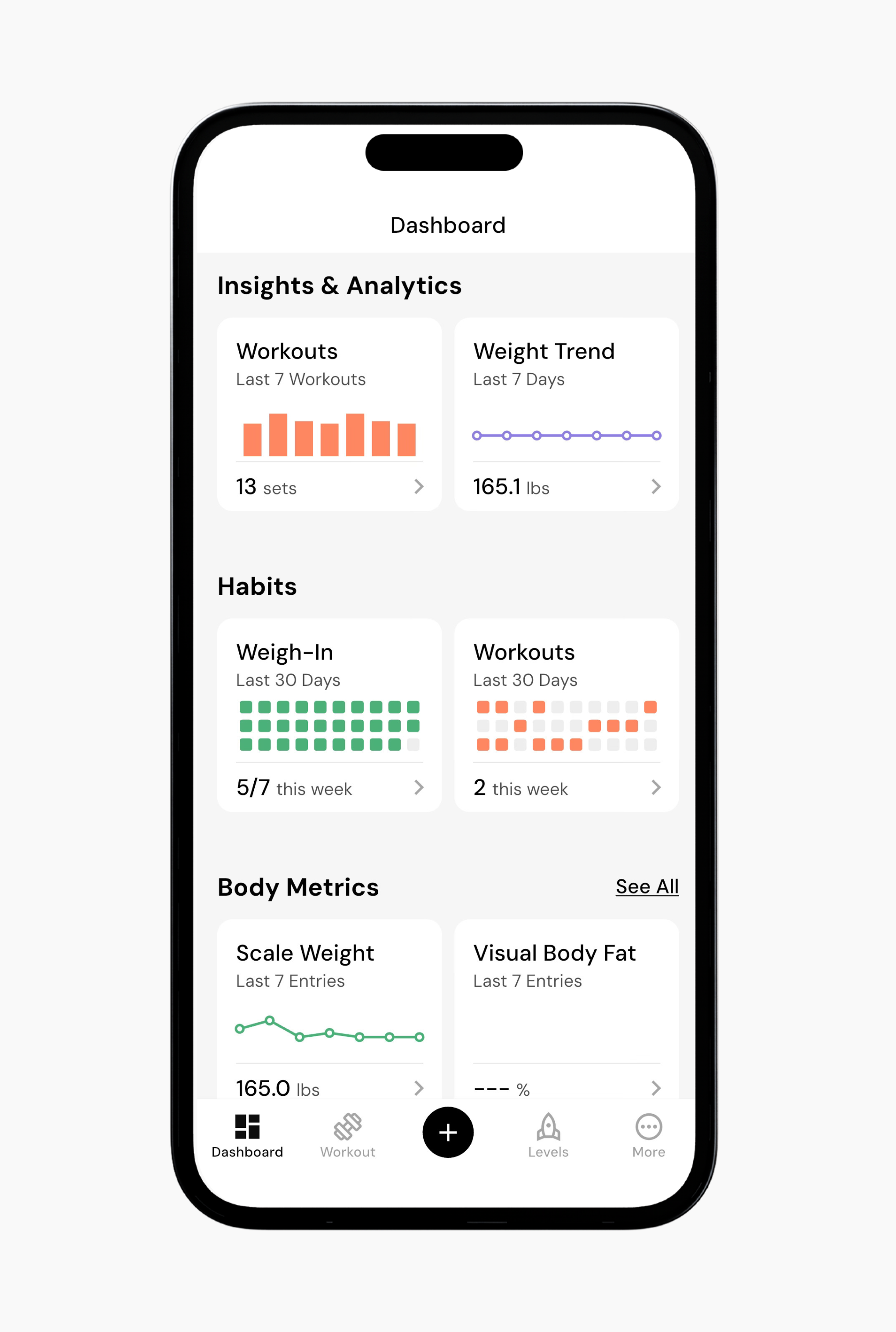
The Workouts tile under “Insights & Analytics” shows you what your training looks like when you zoom out. This section of the app helps you see how sets, volume, and exercise selection accumulate over time.
Sets over time
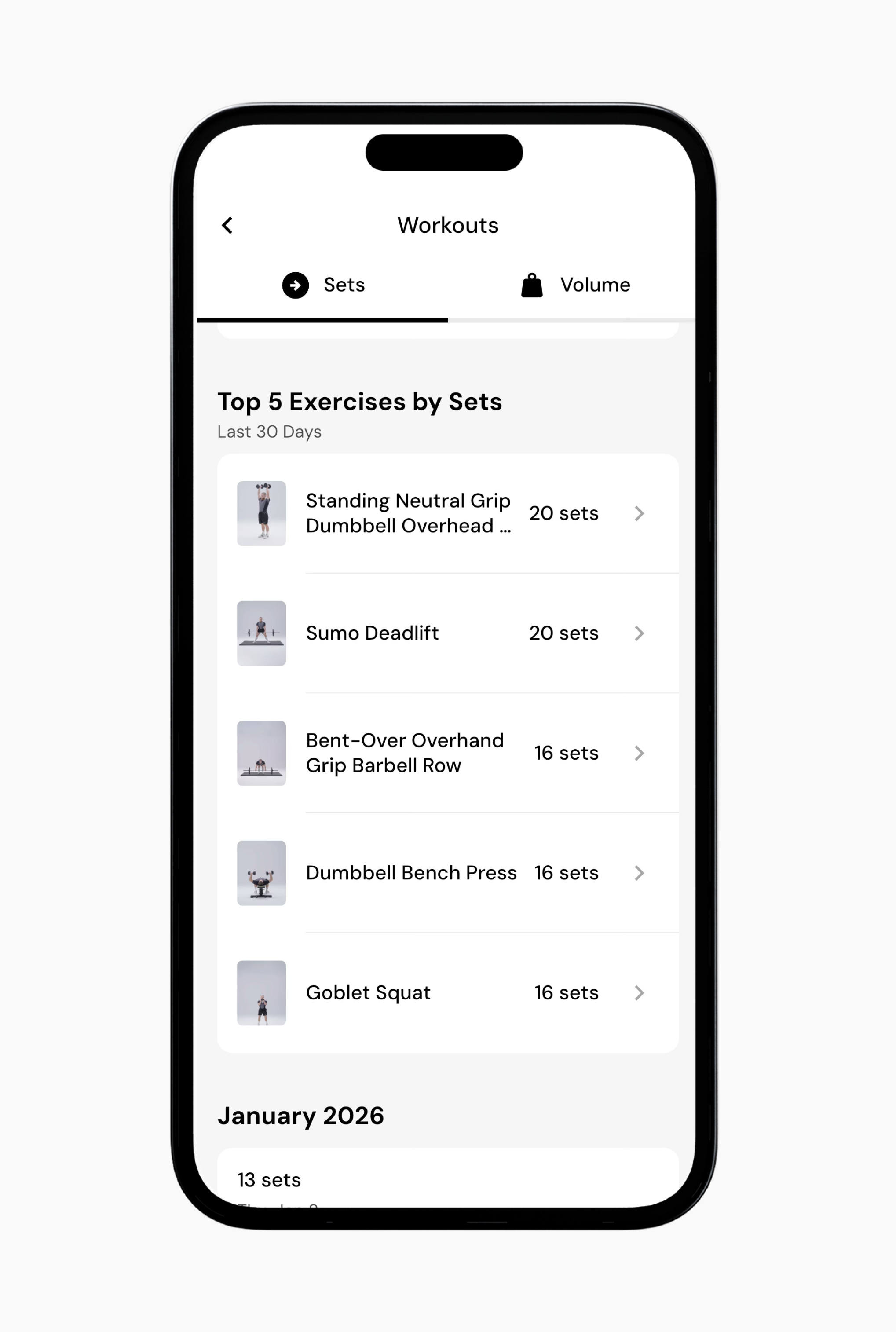
The Sets view shows how many exercise sets you complete over time. This includes total sets per session as well as how those sets accumulate across the selected time range.
Examining your sets over time helps you understand how much training you are actually doing, independent of load. Since sets are a major contributor to training stimulus, this view helps put changes in progress into context. For example, if progress has stalled, this view can help you see whether that period lines up with a drop in total sets or training frequency.
Below the chart, you’ll also see your top exercises by sets for the selected time range. You can tap those exercises to view more detailed breakdowns of your load over time.
Volume over time
The Volume view shows how your total training volume changes over time and reflects the overall amount of work you are performing.
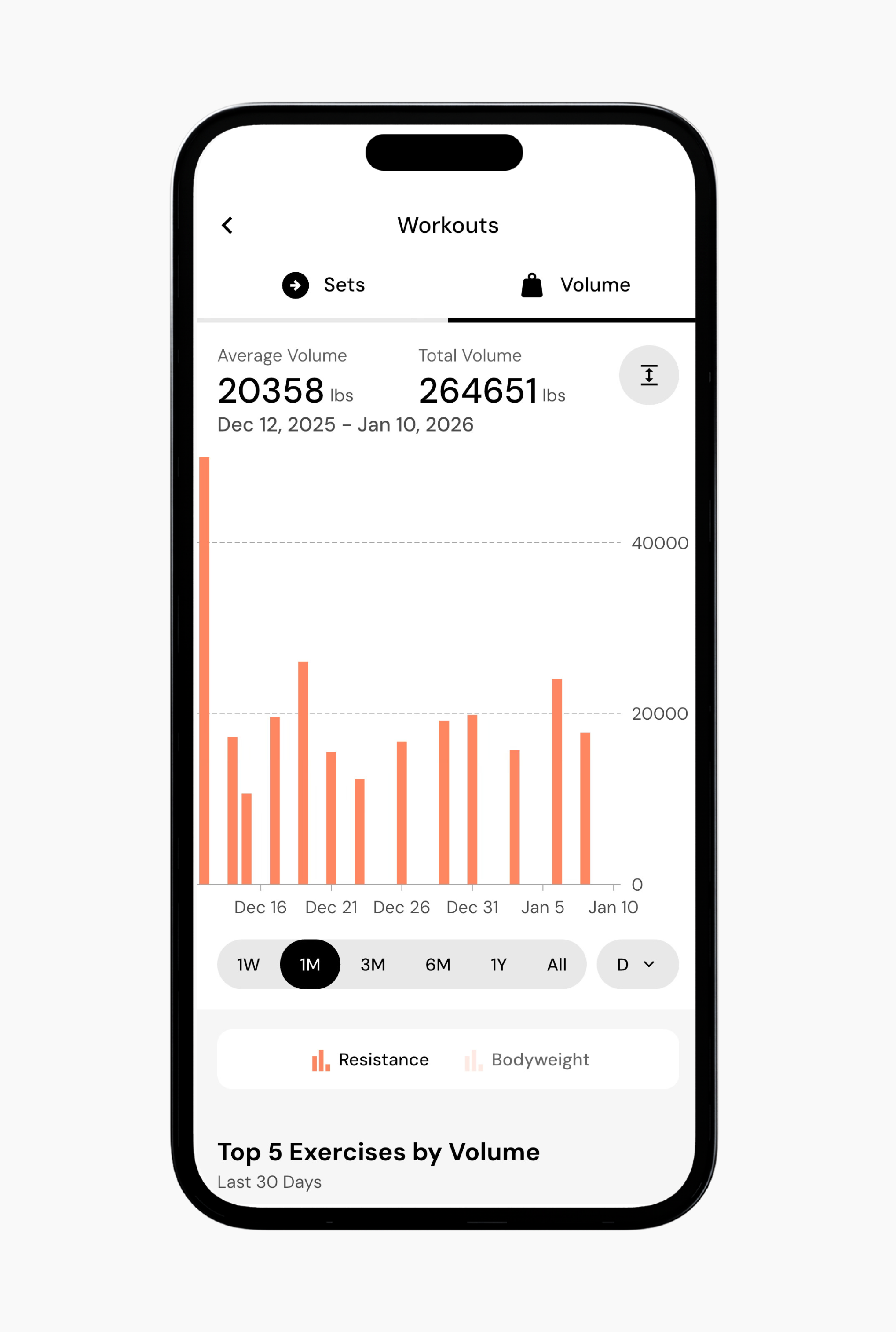
Unlike the Sets view, which treats all sets equally, the Volume view accounts for how heavy those sets are. This makes it useful for understanding changes in workload when training intensity, exercise selection, or loading strategies shift.
The chart also separates volume into two types: resistance-based volume and bodyweight volume. Resistance-based volume reflects work performed with external load, such as barbells, dumbbells, or machines. Bodyweight volume reflects work where your body is the primary load, such as pull-ups, push-ups, or dips.
For context, this can help you identify shifts in training. For example, increasing the number of bodyweight movements in your program may reduce resistance-based volume, even if your overall training effort stays the same.
Overall, this data helps you spot trends so you can make more informed decisions about your programming.
Read next:
Now that you’ve learned about the workout overview, you might enjoy one of these articles next:
Exercises Overview
Create a New Workout
Add or Remove Exercise from a Program